Pairing the MIR Smart One Spirometer
If your TytoHome or TytoPro kit includes an MIR Smart One Spirometer, follow these instructions to pair it with your TytoCare App via Bluetooth.
Initial Setup
- Enable Bluetooth: Activate Bluetooth on the phone or tablet where the TytoCare App is installed.
- Login: Open the TytoCare App and sign in.
- Navigate to Pairing: Tap the Menu (three lines) in the upper-left and select Pair External Devices. Choose Spirometer.
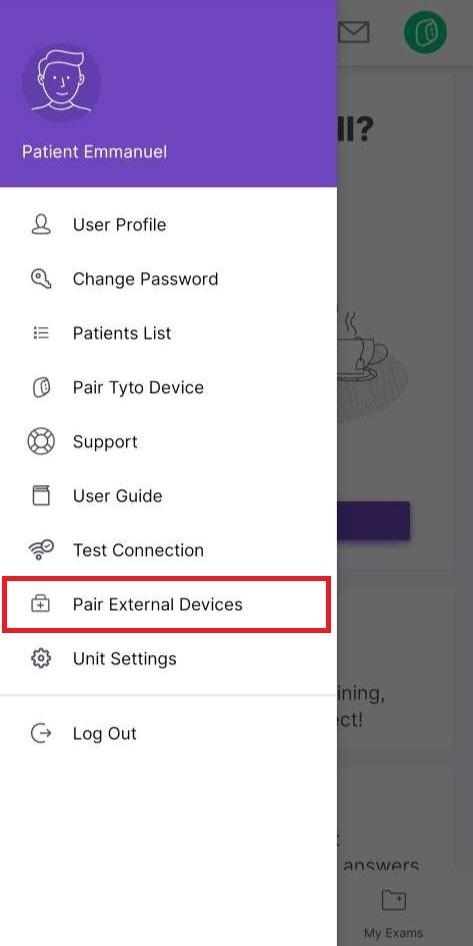
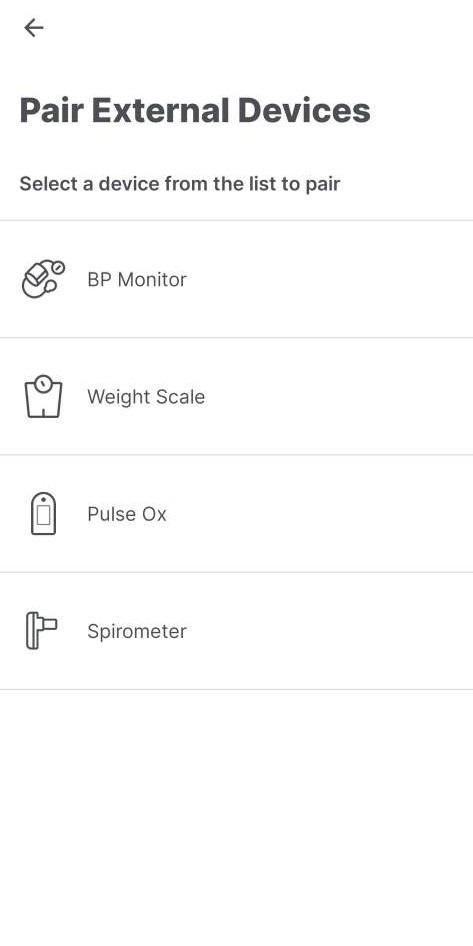
*Note: The devices list may vary based on your organization’s configuration. If Bluetooth is off, you will receive a pop-up prompt to enable it.
Pairing the Spirometer
- Power on Device: Insert or reinsert the batteries into the MIR Smart One Spirometer.
- Automatic Connection: Once batteries are inserted, the spirometer should automatically pair with the TytoCare App.
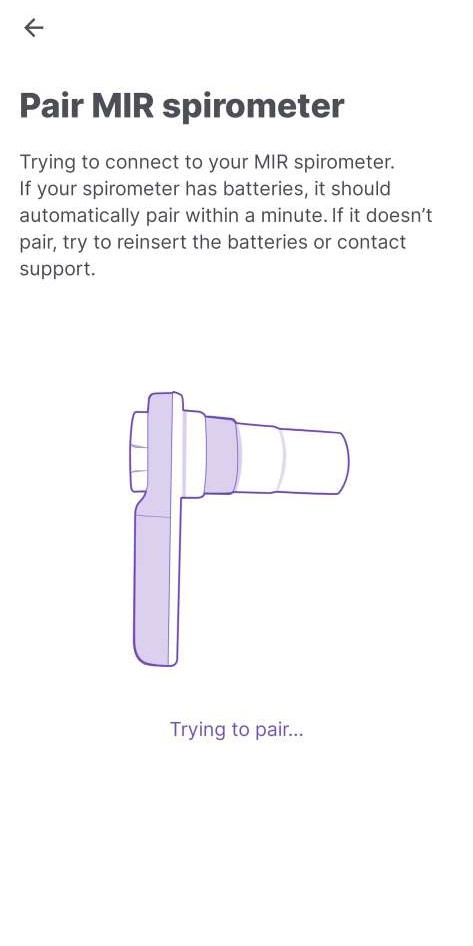
- Confirm Success: The App will display a “Pairing Successful” message.
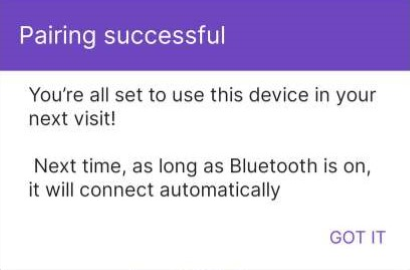
Congratulations! Your MIR Smart One Spirometer is now paired. The App will automatically connect to the spirometer whenever it is in range.